Jai Club APK Download & Install Guide for Android
Updated · Independent guide by jaicluby.com
This guide explains installing the Jai Club Android APK safely for users downloading the Jai Club app outside the Play Store. The goal is to help Android users install the app without downloading malware.
Key Facts to Know
- The Jai Club app is commonly provided as an APK download.
- Android may require Install from Unknown Sources permission.
- The app is usually not available on the Play Store.
The gameplay and process references in this guide are based on publicly visible Jai Club-style information such as Wingo colours, OTP login, APK installation, UPI recharge, bank or UPI withdrawal, KYC checks, and support tickets. Always confirm the final rule, payout, bonus, and limit inside your account on the Jai Club platform before spending money.
Step-by-Step Process
- Open the Jai Club platform on your Android phone, preferably on Wi-Fi so the download does not cut out.
- Tap the official Download App or APK option.
- When the download finishes, tap the file in the notification shade or open it from your Downloads folder.
- Allow Install Unknown Apps only for the browser or file manager you used.
- Tap Install and wait for it to finish.
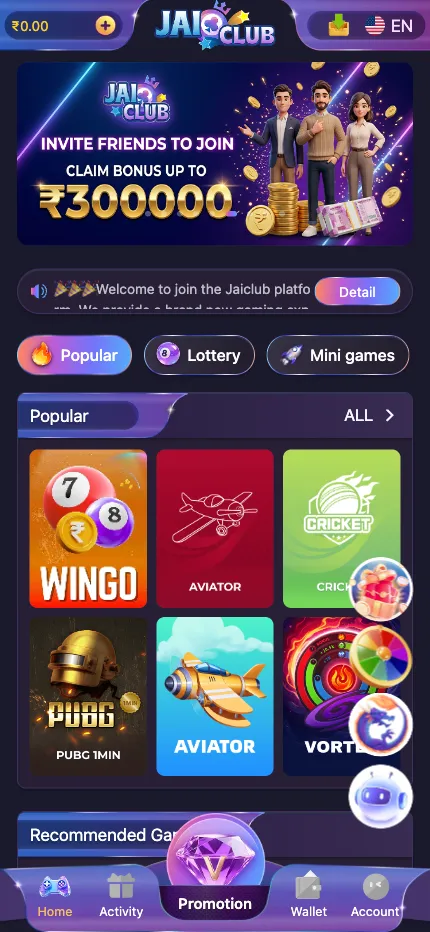
- Open Jai Club, allow notifications so OTP and update prompts reach you, then log in or register.
Practical Notes
- Unknown Sources should be enabled only for the installation source you trust.
- Turn the permission off again after installing if you prefer stricter security.
- Never install an APK sent by a random agent or group admin.
Common Mistakes to Avoid
- Searching for Jai Club APK on third-party download sites.
- Approving all unknown app sources permanently.
- Ignoring package warnings after downloading from a fake domain.
- Turning off Google Play Protect for the whole phone to get one install through.
Troubleshooting
Install blocked or “There was a problem parsing the package”
- Download the APK again: a partly downloaded file cannot be installed.
- Free up storage space and retry.
- Uninstall any older copy or look-alike app with a similar name first, then install again.
Play Protect warns that the app may be harmful
- Apps installed outside the Play Store often trigger this warning. Tap More details and check where the file came from.
- If you downloaded it from anywhere other than the platform itself, delete it and do not install.
- Never turn off Play Protect for the whole phone. If you are unsure, ask support inside the Jai Club website first.
App crashes or freezes on the splash screen
- Clear the app cache (not data) in Android Settings → Apps → Jai Club, then reopen.
- If it still crashes, note your login mobile number, uninstall, and install the latest APK from the platform.
- Rooted or modified phones can fail security checks; try on an unmodified phone.
Play Responsibly
Jai Club should be treated as paid entertainment, not a guaranteed income system. Use a fixed budget, avoid chasing losses, take breaks during fast rounds, and stop immediately if the game begins to affect your mood or financial decisions.
FAQ
- How do I install Jai Club app?
- Download the APK from the platform’s own download option, allow install permission for that source, and complete installation.
- Is Jai Club on Play Store?
- It is usually distributed as an APK rather than through the Play Store.
- Is there a Jai Club app for iPhone?
- There is no APK for iPhone. iPhone users generally use the website in Safari. Be careful of sites offering an IPA file; see the iOS availability guide.
- An antivirus app flagged the APK. What should I do?
- Scanners often disagree about apps installed outside the Play Store, so one warning can be a false positive. But if several reputable scanners flag it, or the file did not come from the platform itself, delete it.
- Can I run the Jai Club APK on an emulator?
- It may install, but SMS OTP and security checks are often unreliable on emulators. A real phone is the dependable option.
- How do I update the APK?
- Accept the in-app update prompt when it appears, or download the latest APK from the platform and install it over the old one. See the update guide.